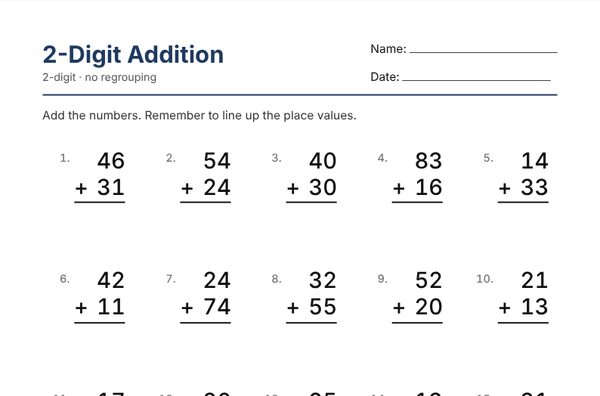
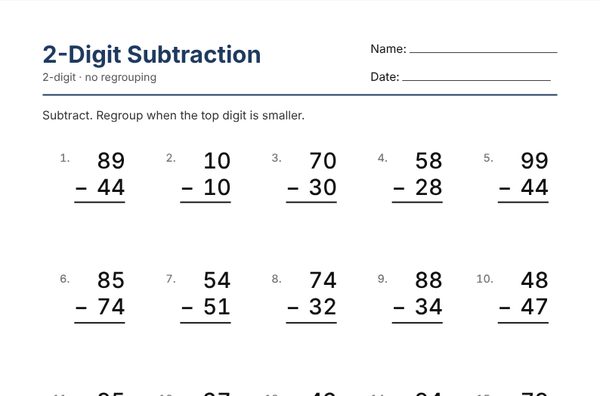
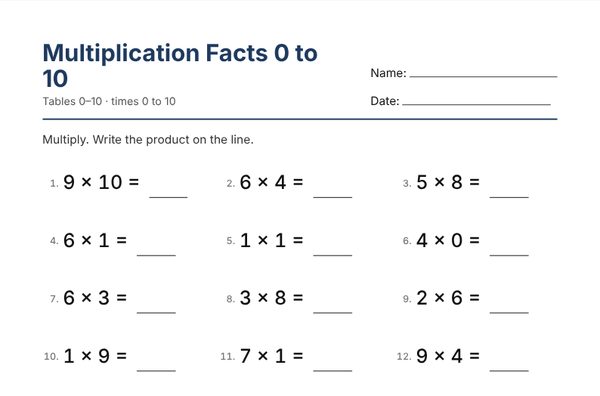
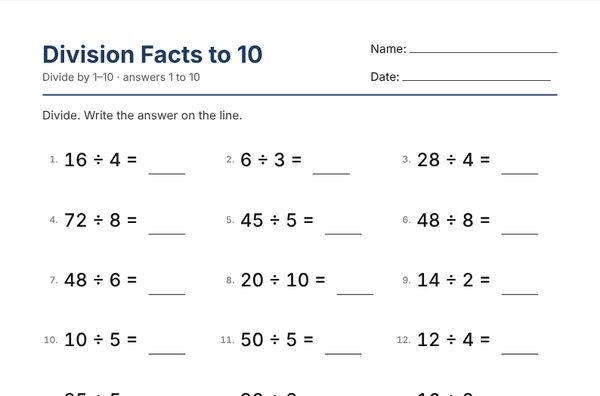
How the worksheet generators work
- Pick a toolChoose a generator above, or a grade-level preset inside it.
- Choose settingsSet the level, the number of problems and the layout. The preview updates as you go.
- Print or saveClick Print / Save as PDF. The answer key prints on its own page.
- Make anotherClick New Worksheet for a fresh version, or bookmark the link to keep this one.
Which generator for which grade?
| Grade | Good places to start |
|---|---|
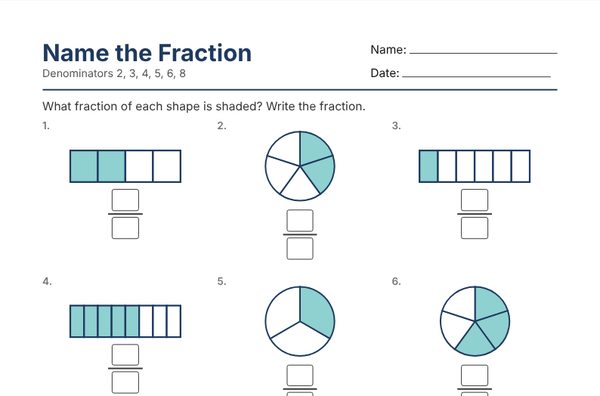
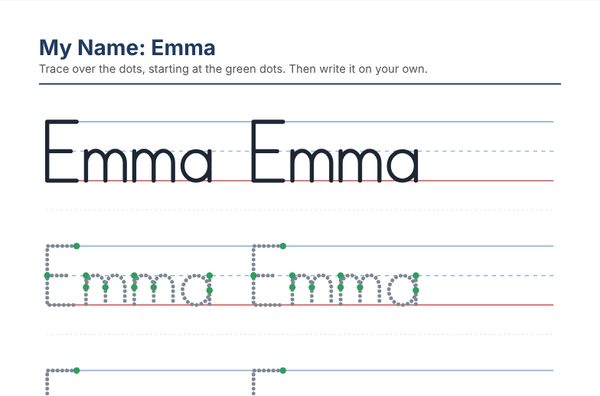
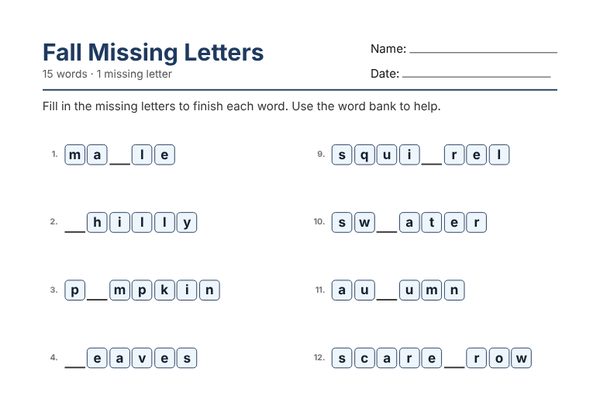
| Preschool – Kindergarten | Name tracing, missing letters, addition to 5 and 10, sight word bingo |
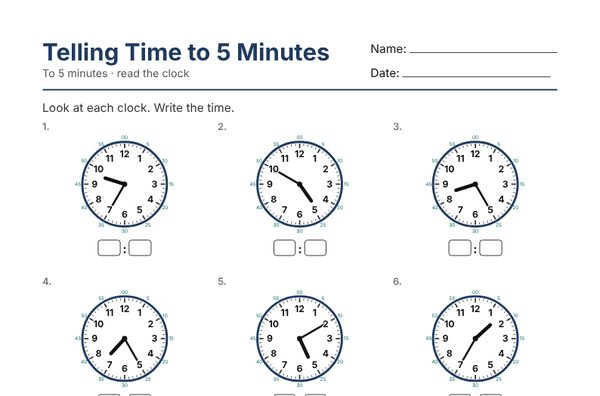
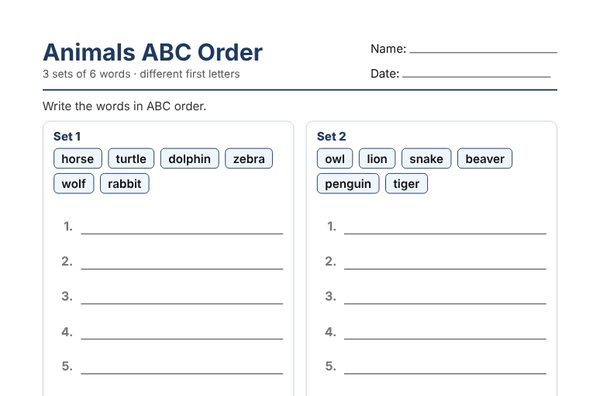
| Grade 1 | addition and subtraction facts to 20, time to the hour and half hour, halves and fourths, ABC order |
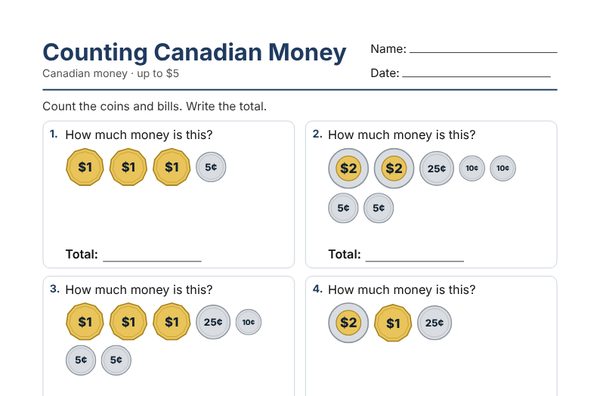
| Grade 2 | 2-digit addition and subtraction, counting coins, time to 5 minutes |
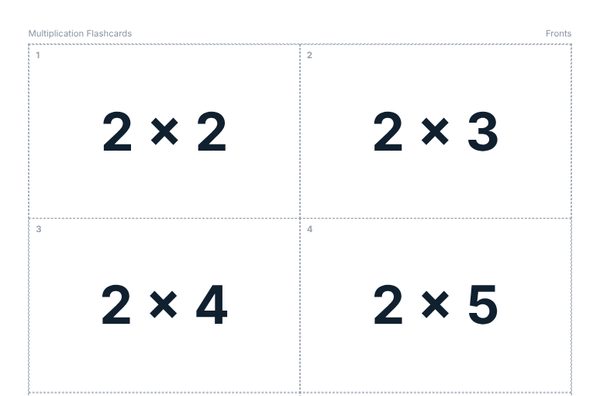
| Grade 3 | times tables, division facts, comparing fractions, making change |
| Grade 4 – 5 | long multiplication, long division, adding fractions with unlike denominators |
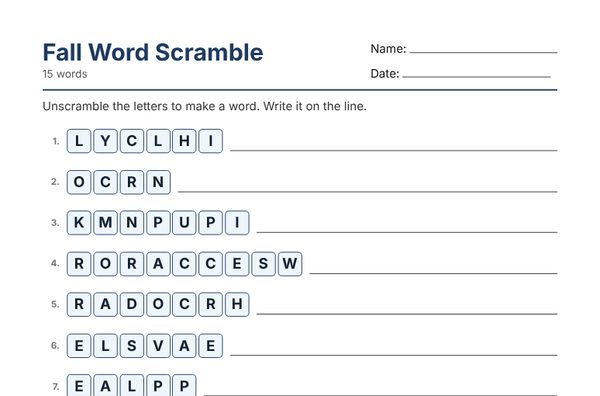
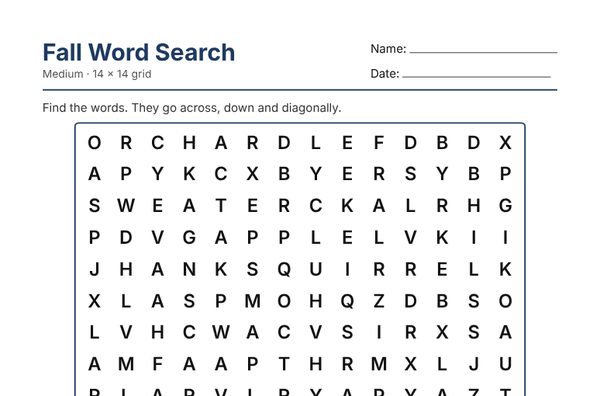
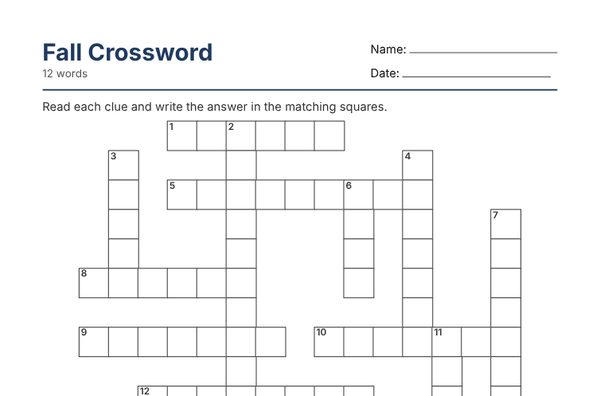
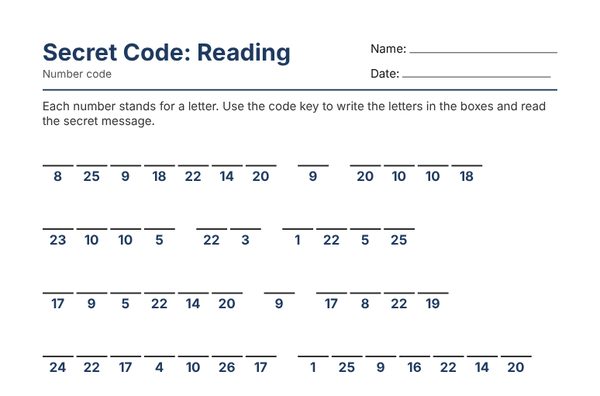
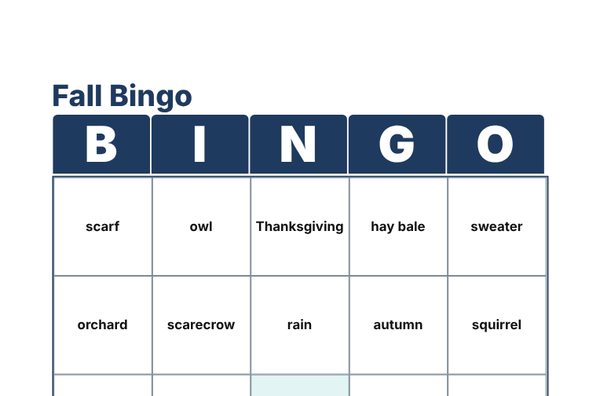
| All grades | word searches, word scrambles, crosswords, secret codes, bingo and flashcards for any spelling or vocabulary list |
Made by a teacher, for teachers and parents
WorksheetGalaxy is made by an Ontario teacher. Every generator is built around how students actually learn: grade-level presets, answer keys that show the working, Canadian money and spelling, and worksheets that print cleanly on one page. Homeschool parents use the same tools to make extra practice at home in seconds.
Frequently asked questions
Are the worksheet generators really free?
Yes. All 16 generators are free to use with no account. You can make, print and save as many worksheets as you like, and every math worksheet includes an answer key.
Do I need to create an account?
No. The free generators work without signing up. An account is only needed for Pro features such as saving word lists and making a full class set of different versions at once.
Can I get the same worksheet again later?
Yes. Every generator updates the page link as you work. Bookmark or share that link to rebuild the exact same worksheet and answer key.
How do I save a worksheet as a PDF?
Click Print / Save as PDF on any generator, then choose Save as PDF as the destination in the print window. Worksheets are sized for letter paper.
What is included in WorksheetGalaxy Pro?
Pro adds time-saving extras for busy teachers: a class set of different versions in one click, saved word lists and settings, your class or school name on every page, differentiated sets at three levels, and an ad-free experience. The free generators stay free.
Can I use these worksheets in my classroom?
Yes. Teachers and parents may print and copy worksheets made with the generators for their own students and children.